
Chat that understands your data
Multi-provider AI chat with multi-round tool calling. Query entities, generate content, check analytics, and manage integrations — all through natural language.
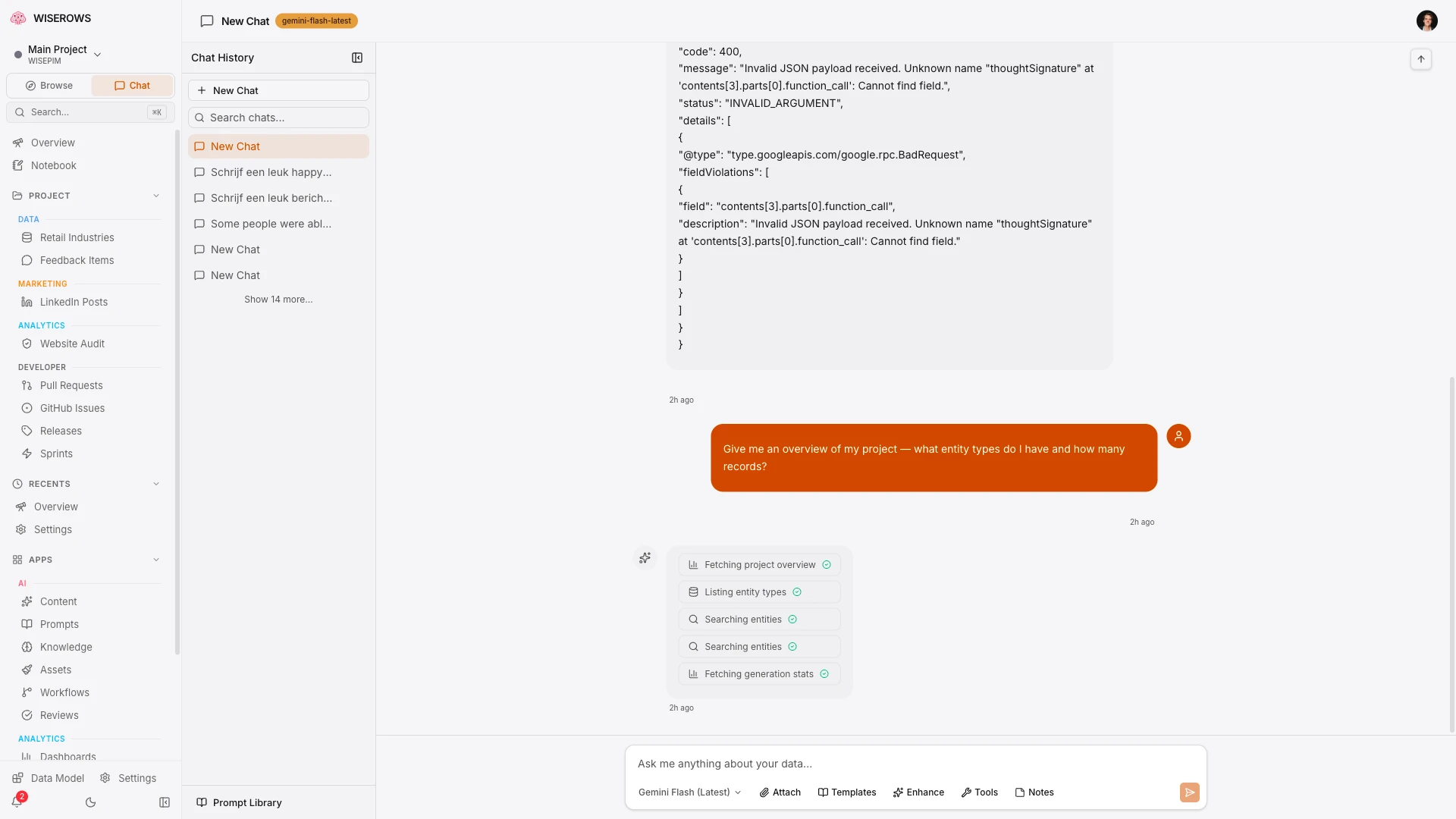
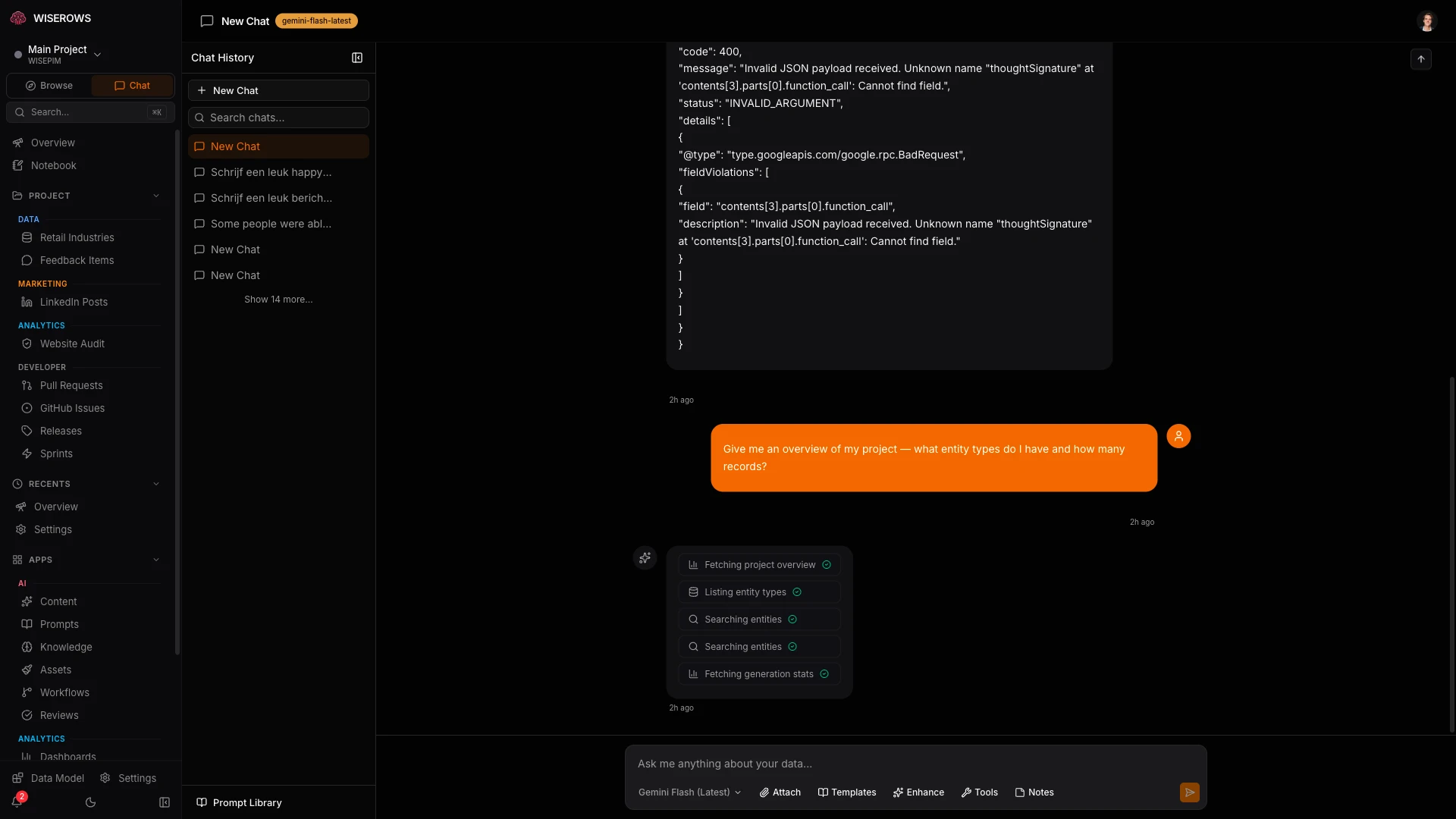
Tools that act on your data
Chat doesn't just answer questions — it can read, create, update, and publish your data with multi-round tool calling.
Entity Tools
Query, create, update, and delete any entity type through chat. "Show me all blog posts published this week" just works.
Content Tools
Trigger content generation from chat. "Generate 10 glossary terms about PIM" creates them with your prompt templates.
Analytics Tools
Query connected analytics sources. "What are my top 10 pages by clicks this month?" pulls data from GSC.
Integration Tools
Interact with connected services. "Publish this blog post to Sanity" or "Sync leads from HubSpot" — all from chat.
See exactly what the AI does
Every tool call is visible in real-time. See the arguments, status, and full JSON results — so you always know what happened and can verify the output.
query_entities — completed in 120ms
update_entity — completed in 85ms
generate_content — processing...
12345678910111213141516171819202122
Pick the right model for the job
Switch AI providers per session. Use fast models for data queries and powerful models for content generation.
- Per-session model selection — switch anytime
- 3 AI providers — Gemini, GPT-4o, Claude
- Custom system prompts per session
- Enable/disable tool categories per session
- Conversation history preserved across model switches
Customizable per session
Every chat session can have its own model, system prompt, and enabled tools. Create focused sessions for different workflows.
- Custom system prompts — define the AI's persona and constraints
- Enable/disable tool categories — limit what the AI can access
- Rename and archive sessions for organization
- Keyboard shortcuts for power users (Cmd+Shift+P, Cmd+Shift+C)
50+ curated prompts
A built-in prompt library with expert prompts for SEO, content strategy, data analysis, and marketing. Save your own prompts for quick reuse.
- Curated prompts organized by category
- Save and share custom prompts per project
- Quick-insert from Cmd+Shift+P shortcut
- AI-powered prompt enhancement
Knowledge base context
Ground AI responses in your own documents and notes. Upload knowledge base articles that the AI references when answering questions about your domain.
- Upload documents and notes as AI context
- AI references your knowledge base in responses
- Per-project knowledge bases
- Automatic context selection based on conversation
It feels like talking to a teammate who read every doc. The AI knows your schemas, your data, your integrations. Ask 'what glossary terms are missing descriptions?' and it queries the right entity type, checks the right fields, and gives you a specific answer — not a generic one. Every tool call is visible so you always know exactly what happened.