
Connect everything, extend anything
Integrate with the tools you already use. Install extensions to add pre-built schemas, chat tools, and workflows in one click.
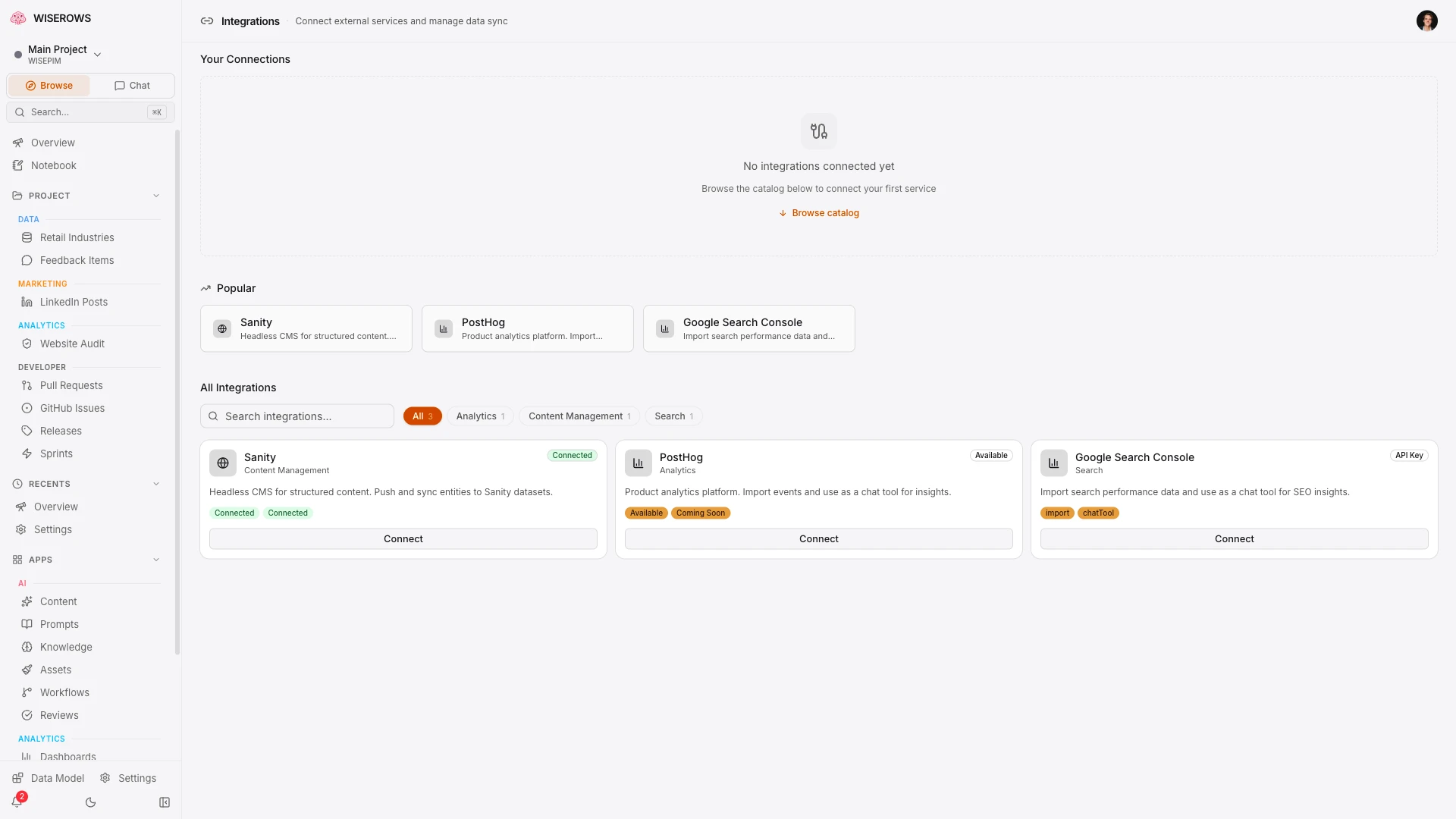
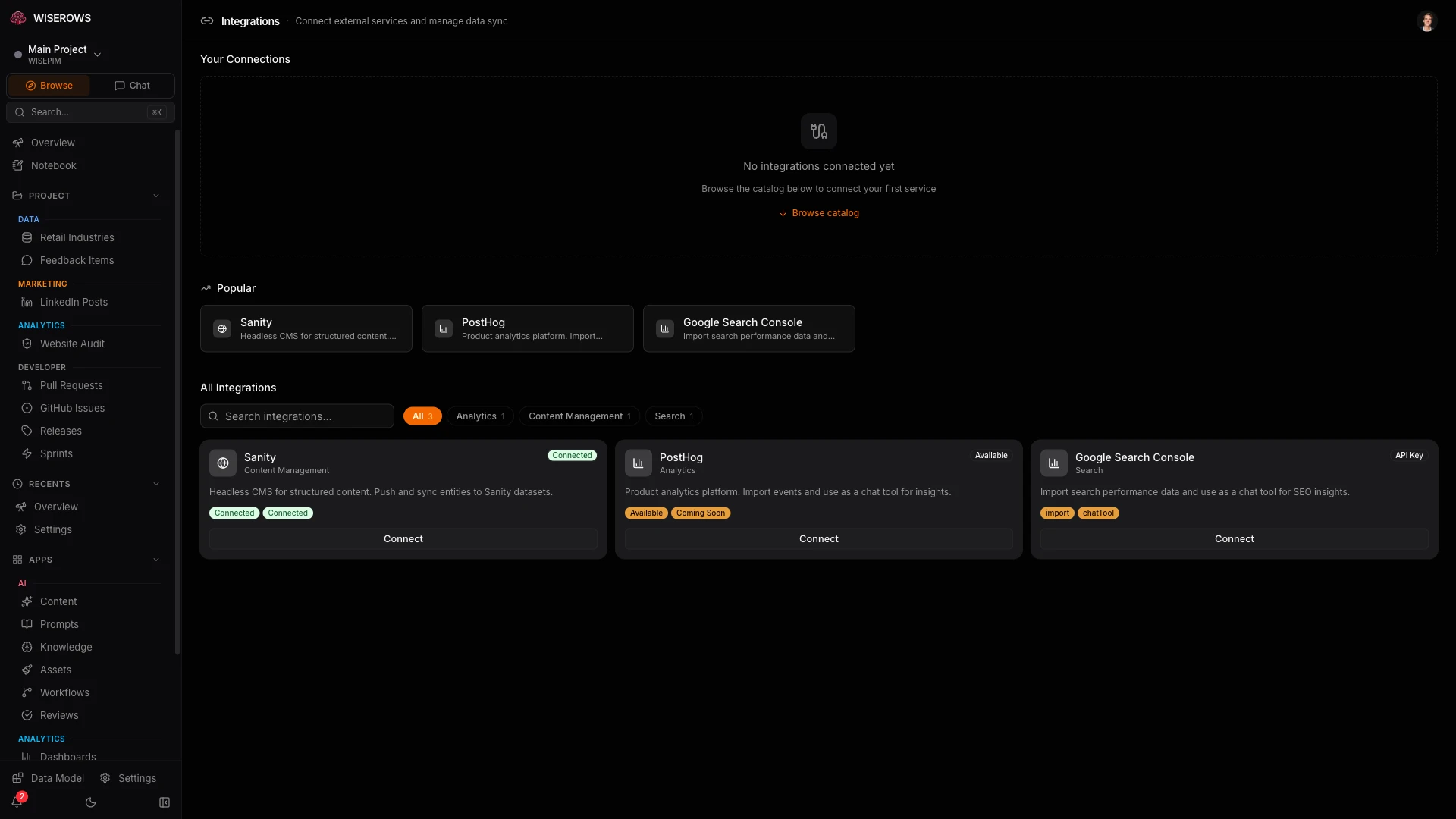
12+ integrations
CMS, analytics, CRM, email, automation, and storage — connect the tools you already use.
Three-tier architecture
A clean, extensible pattern for connecting any external service.
Integration Definitions
Blueprints that define auth type (OAuth2, API key, webhook), config schema, and capabilities (import, export, sync, chatTool).
Integration Instances
Configured per-project with encrypted credentials, field mappings, sync direction, and schedule. Multiple instances of the same integration allowed.
Field Mapping
Map entity fields to integration fields with a visual editor. Define how your data transforms when syncing between WISEROWS and external systems.
Webhooks & Automation
Receive webhooks from external services and trigger actions. Connect n8n or Zapier for complex multi-step workflows.
Visual field mapping
Map your entity fields to integration fields with a visual editor. Define transforms, defaults, and sync direction for each field pair.
- Drag-and-drop field mapping between WISEROWS and external schemas
- Bi-directional sync with conflict resolution
- Scheduled syncing (hourly, daily, or on-demand)
- Per-entity-type publishing rules
- Sync status and error tracking per integration
Extensions vs Integrations
Two ways to expand your workspace — one adds internal features, the other connects external data.
Extensions
Add internal features to your workspace. Extensions bundle entity types, chat tools, dashboard widgets, and workflows into one-click installs.
- Pre-built entity schemas
- Chat tool integrations
- Dashboard widgets
- Workflow templates
Integrations
Connect external data sources and services. Integrations sync data bi-directionally with your existing tools and platforms.
- OAuth2 and API key auth
- Bi-directional sync
- Field mapping
- Scheduled syncing
20 built-in extensions
Install pre-built extensions that bundle entity types, chat tools, and workflows. Get started in seconds.
SEO & Content
Glossary
AI-generated glossary terms with definitions, examples, and related terms.
Blog Posts
Blog post management with AI drafting, SEO fields, and CMS publishing.
Comparisons
Comparison pages (your product vs. competitors) with structured data.
LinkedIn Posts
Draft, schedule, and track LinkedIn content from your workspace.
Content ROI
Revenue attribution and conversion tracking per content piece.
SEO Intelligence
SERP Tracker
Daily position tracking, keyword clusters, and quick win identification.
Keywords
Keyword research, volume tracking, and difficulty scoring.
Website Audit
Technical SEO audits with actionable fix recommendations.
Operations
Analytics & Intelligence
Analytics Tracker
Pre-configured widgets for connected analytics sources.
Realtime Intelligence
Live activity feed and real-time data monitoring.
AI Insights
ICE-scored AI recommendations from expert personas.
Achievements
Gamified milestones to track team progress and celebrate wins.
Connect once, forget about it. Test the connection, map your fields, and sync. From that point on, data flows automatically. Integration chat tools appear in the AI chat without extra setup — ask 'query my Sanity dataset' and it just works. If something breaks, you get a clear error with the external service's response, not a cryptic failure.
Frequently asked questions
From the makers of WISEROWS
Running an ecommerce catalog? Meet WisePIM.
WisePIM is our flagship PIM platform built for retail and ecommerce teams. Enrich and translate your entire product catalog with AI, sync to every sales channel, and make your PIM smarter — not harder.