
Define any data model, visually
Create custom entity types with a drag-and-drop field builder. Model products, leads, articles, competitors — anything. 18 field types, 4 view types, and dynamic columns that adapt to your schema.


18 field types
From simple text to AI-generated fields, every data type you need is built in.
4 ways to see your data
Switch between views instantly. Each entity type can have a different default view.
Table View
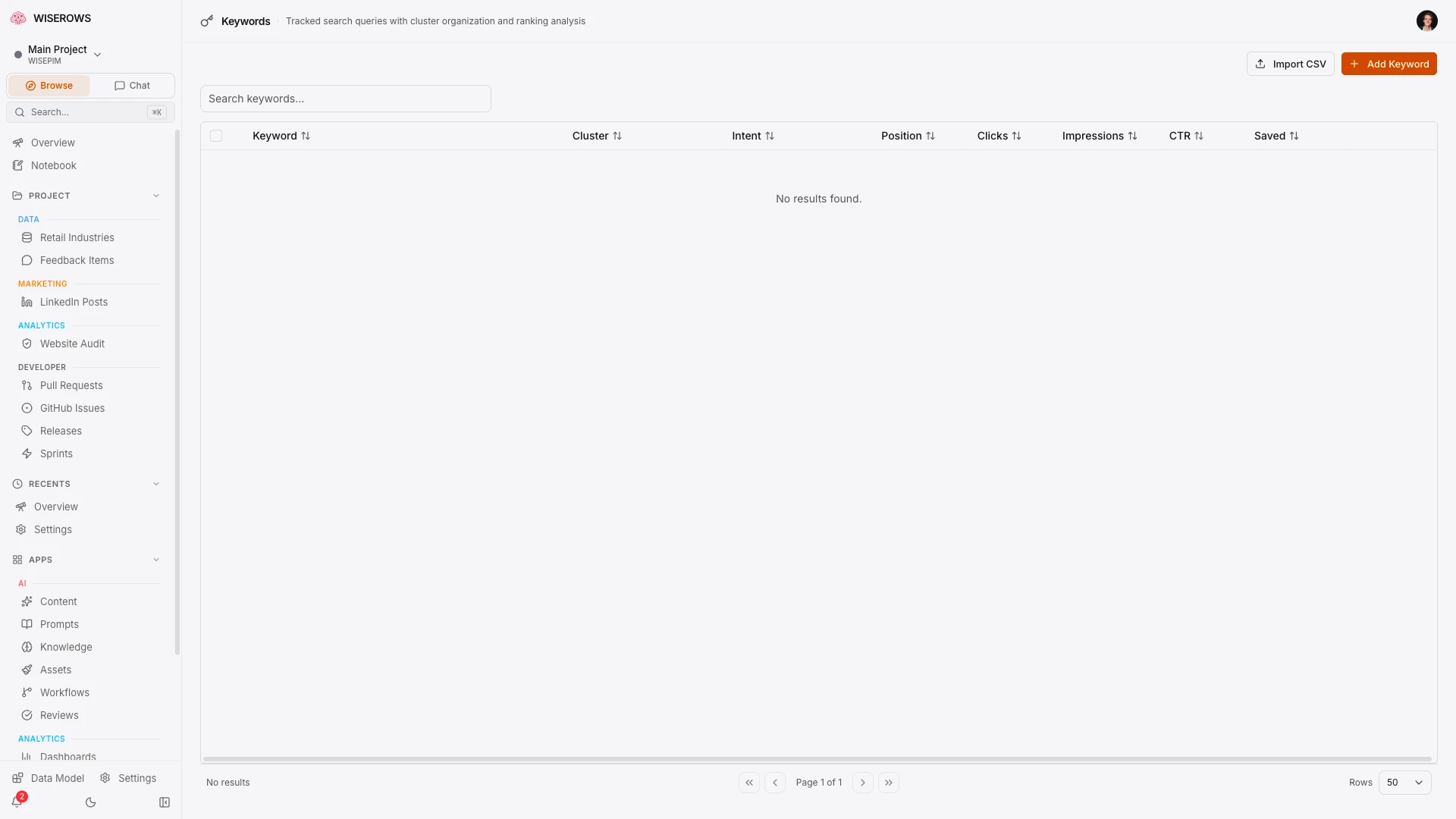
Dynamic TanStack Table with sortable columns, filters, global search, column visibility, row selection, and pagination. Columns auto-generated from your schema.
Kanban View
Drag-and-drop kanban board grouped by any select field. Move entities between stages visually.
Gallery View
Card grid view with image previews. Configure which fields appear on cards for a visual overview.
Calendar View
Calendar layout driven by any date field. View and manage entities on a timeline.
Dynamic table columns
Table columns are generated automatically from your entity schema. Toggle which fields appear in the table, rearrange column order, and get the right filter for every field type.
- Columns auto-generated from entity type fields
- Global search across all visible columns
- Column-specific filters (text search, date range, select dropdown)
- Row selection with shift-click for bulk actions
- Sortable columns with multi-sort support
- Column visibility toggle and reordering

Schema as structured data
Every entity type you build is stored as structured schema data. This powers dynamic columns, form generation, validation, AI prompts, and integration field mapping — all from a single source of truth.
- Schema drives table columns, form fields, and API shape
- Field validation rules enforced automatically
- AI prompt templates reference schema fields
- Integration field mapping reads from schema
123456789101112131415161718192021222324252627282930313233343536373839
Organized in your sidebar
Entity types appear in your sidebar, organized into sections you define: Data, Content, Marketing, or custom categories. Each with its own icon and color.
- Entity types become navigation items automatically
- Organize into custom sidebar sections
- Choose from 30+ Lucide icons per entity type
- Color-coded section dots for quick scanning
- Per-entity-type permission overrides

AI schema suggestion
Import a CSV or paste sample data and let AI suggest the optimal schema. Field types, validation rules, and display settings — all inferred automatically.
- Import CSV and auto-detect field types
- AI suggests field names and validation rules
- Review and customize before creating
- Bulk import data after schema creation
Data quality tools
Built-in tools to keep your data clean. Column statistics, completeness checks, and health indicators help you spot issues before they become problems.
- Column statistics (fill rate, unique values, distribution)
- Completeness scoring per entity
- Data health indicators on the table view
- Missing field detection and alerts
Bulk operations
Select rows, then update, delete, or enrich in bulk. Background jobs handle the heavy lifting while you keep working.
- Multi-select with shift-click
- Bulk update any field across selected entities
- Bulk delete with confirmation
- Bulk AI enrichment with background jobs
- Progress tracking for long-running operations
Saved views & filters
Create named filter presets for common queries. Share views with your team so everyone sees the data they need.
- Named filter presets
- Save column visibility and sort order
- Shareable view links
- Quick-switch between saved views
Changes appear instantly. Drag a field in the schema builder and watch the table update in real time. No deploy step, no page refresh, no waiting. Your schema is live the moment you save it — and your team sees the change on their screen within milliseconds.